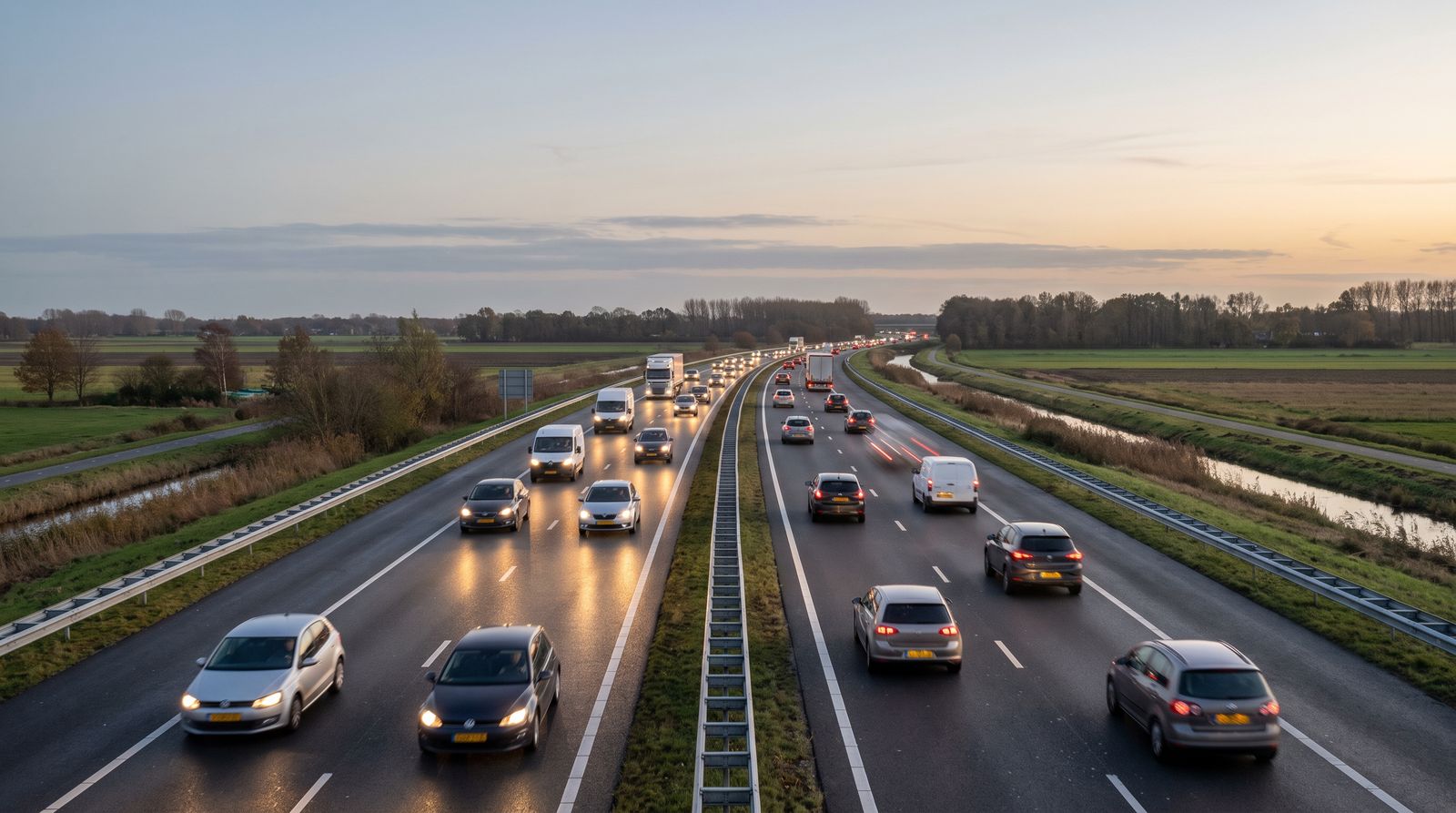

Ongoing
Subscription
Build lasting recognition.
Give your brand a recurring place in everyday traffic.
A term of 6, 12 or 24 months. The longer you commit, the lower the monthly price.
View subscriptionsYour brand large and in view on the A28 near Assen: 39,000 passers-by a day. Book it yourself, with a fixed number of impressions, and 100% solar-powered.
What are you advertising?
Four goals, and the booking type that often suits each one.

An opening
Put your next step in the spotlight.
A new branch, a new head office or the next step for your organisation. Give your opening large-format visibility.
Build up attention around your opening with a campaign.

A promotion
Give your promotion extra attention.
From product launch to nationwide promotion: bring your campaign to the attention of traffic along the A28. A powerful image, at the right moment.
Give your promotion a clear window on screen.

An event
Put your date in the spotlight.
A festival, trade fair or business event starts before the first visitor arrives. Put your event in front of the traffic around Assen.
Promote your event in the run-up to the day.

Branding
Make sure your name sticks.
Build a brand people recognise. Give your name, identity and story a permanent place along the A28.
Build recognition with recurring visibility.
Choose what suits you
Build recognition, launch a campaign or seize one special moment. Choose the visibility that fits your plans.
Ongoing
Build lasting recognition.
Give your brand a recurring place in everyday traffic.
A term of 6, 12 or 24 months. The longer you commit, the lower the monthly price.
View subscriptionsTemporary
Make room for your next launch.
Put your product, event or message on screen during the campaign weeks you choose.
From 1 to 8 campaign weeks. You choose a package and decide which weeks it runs.
View campaignsOn a day you choose
One day. One clear message.
Tie in with a special moment through large-format visibility.
Single days in the event calendar, while they’re available.
View the calendarAll three appear on the same large screen along the A28. Want to compare all packages and prices side by side? View the pricing page.
Arrange it all yourself
Three ways to get on screen. After that, you manage everything yourself in your own customer account.
 Your booking
You book and upload your artwork yourself, in your own customer account. A member of our team reviews your advert before it goes on screen.
Step 1 of 7

Choose a subscription, a campaign or a single event day, then your term, weeks or day.
Next: complete your booking and payment
Step 2 of 7
Check your choice in the basket, fill in your details and pay online with iDEAL. Before you pay, you’ll see your start date and the deadline for delivering your advert.
Next: activate your customer account
Step 3 of 7
New to us? As soon as your payment has been received, you’ll get a confirmation email with a button to activate your account and set a password. Already have an account? Just log in.
Next: view your booking
Step 4 of 7
For each booking, you can see the booked period, the impressions, the spot length and what you still need to do.
Next: upload your advert
Step 5 of 7
Upload your image for each booking as a JPG, PNG or WEBP. It’s automatically made screen-ready (640 × 600) and you’ll see a preview straight away. You have at least five full working days, or two for an event day; the deadline is shown with your booking.
Next: follow the review
Step 6 of 7
A member of our team checks your artwork before it goes on screen. Once approved, your advert is shown according to your booked schedule; if it’s rejected, you’ll see the reason.
Next: find your invoices
Step 7 of 7
For every paid booking, you can open the invoice and download it as a PDF. Instalment invoices for a subscription are listed under Invoices.
They led the way
From a limited-time promotion to a brand that sticks in the mind.
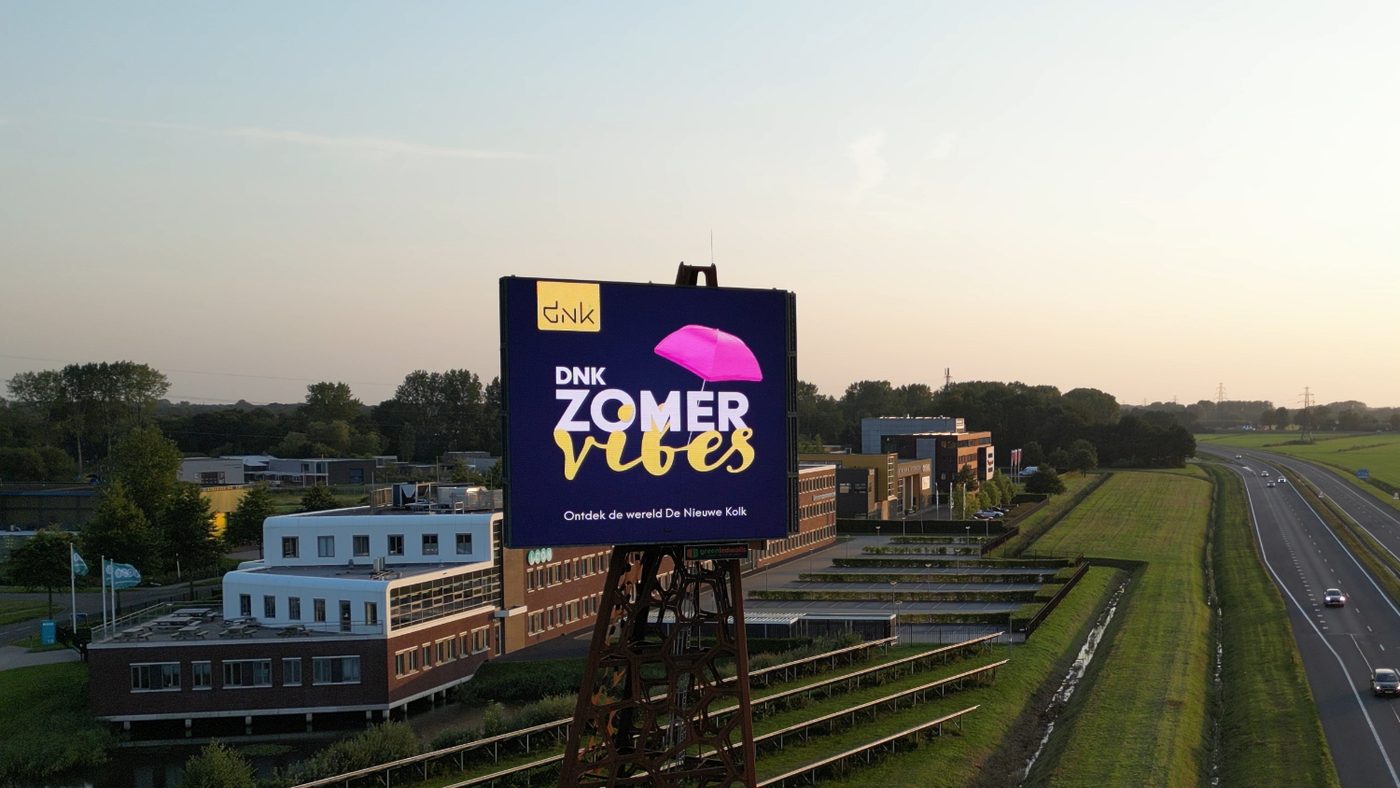
De Nieuwe Kolk
Summer campaign ‘DNK Zomer vibes’.
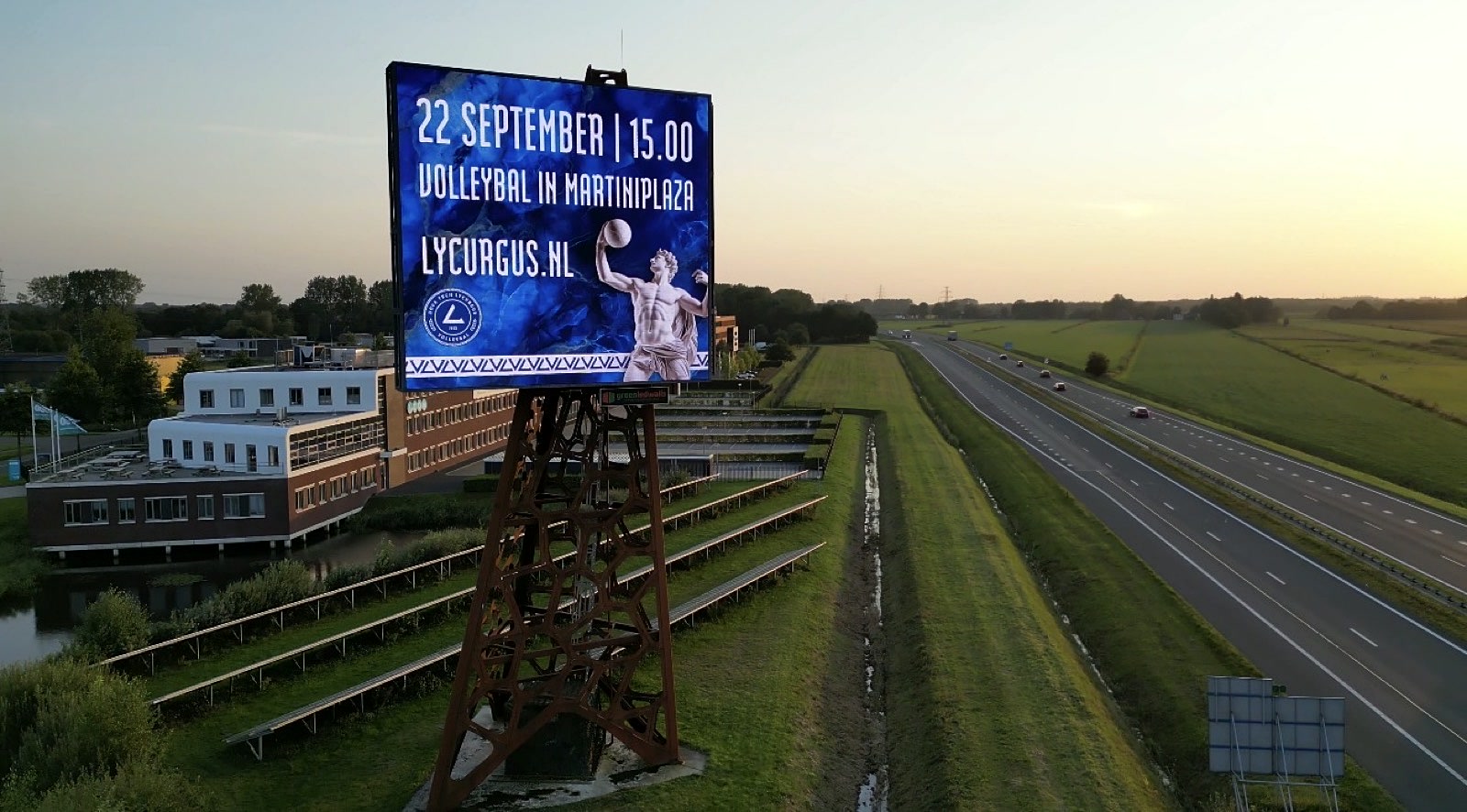
Lycurgus
Volleyball at MartiniPlaza, 22 September at 15:00.
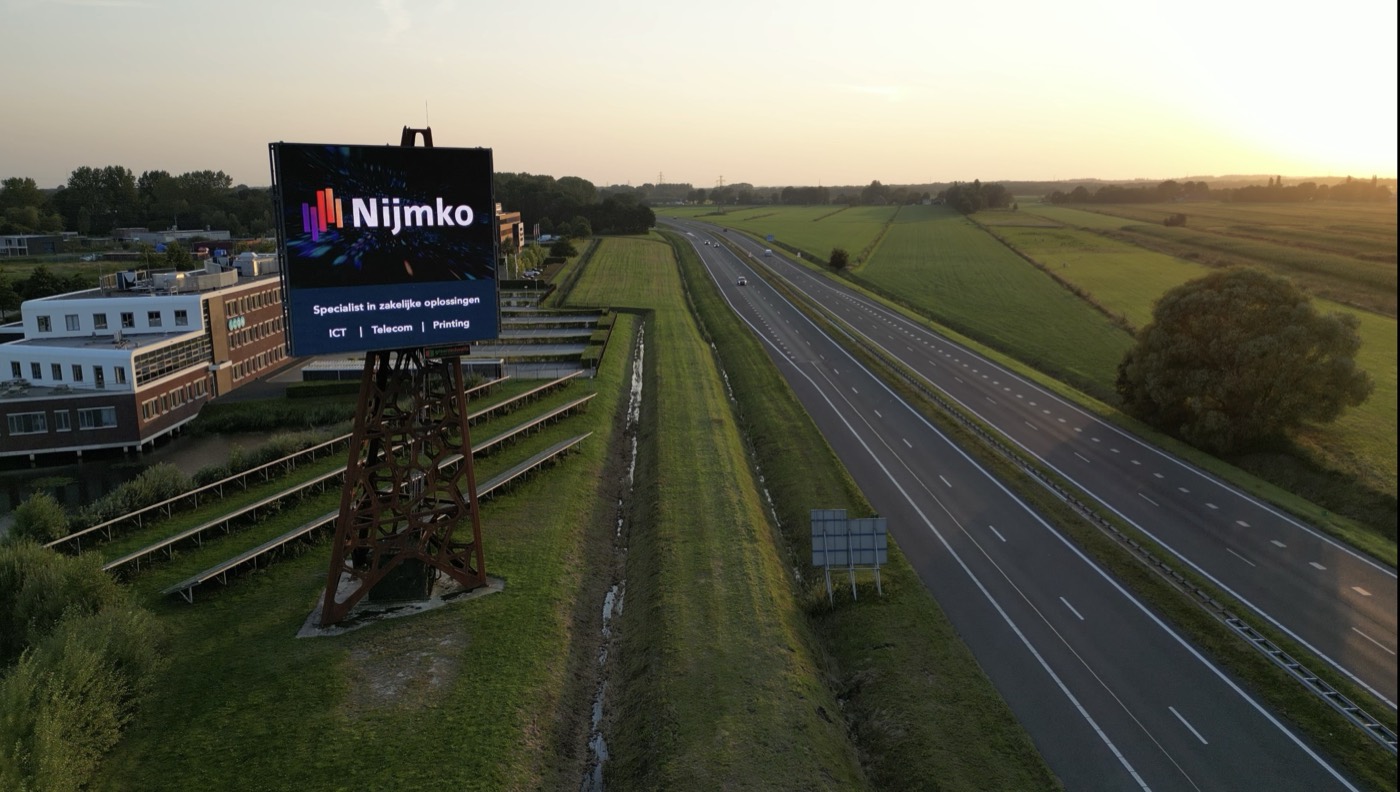
Nijmko
Specialist in business solutions: IT, telecoms and printing.
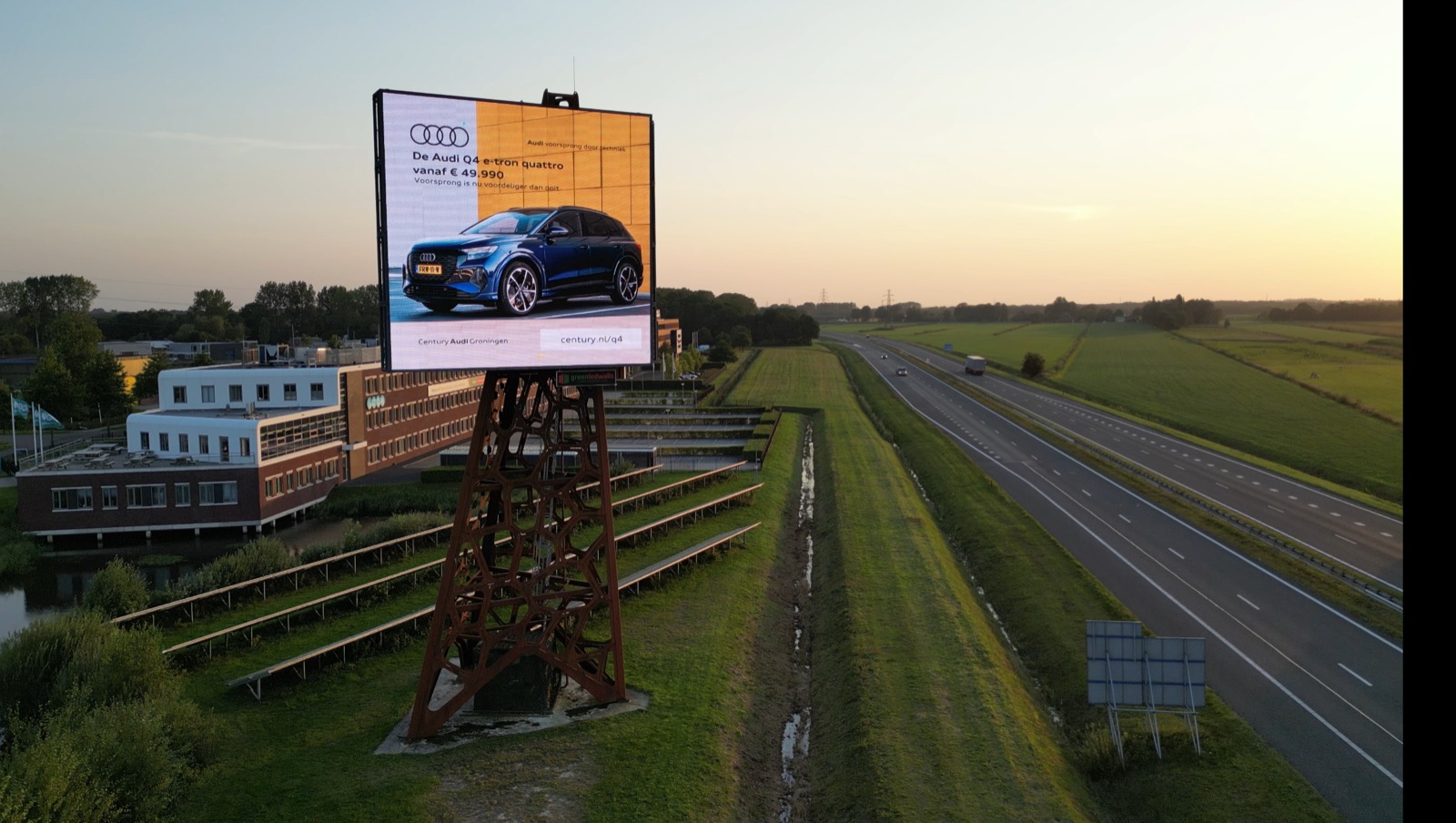
Century Audi Groningen
The Audi Q4 e-tron quattro, with a starting price on screen.
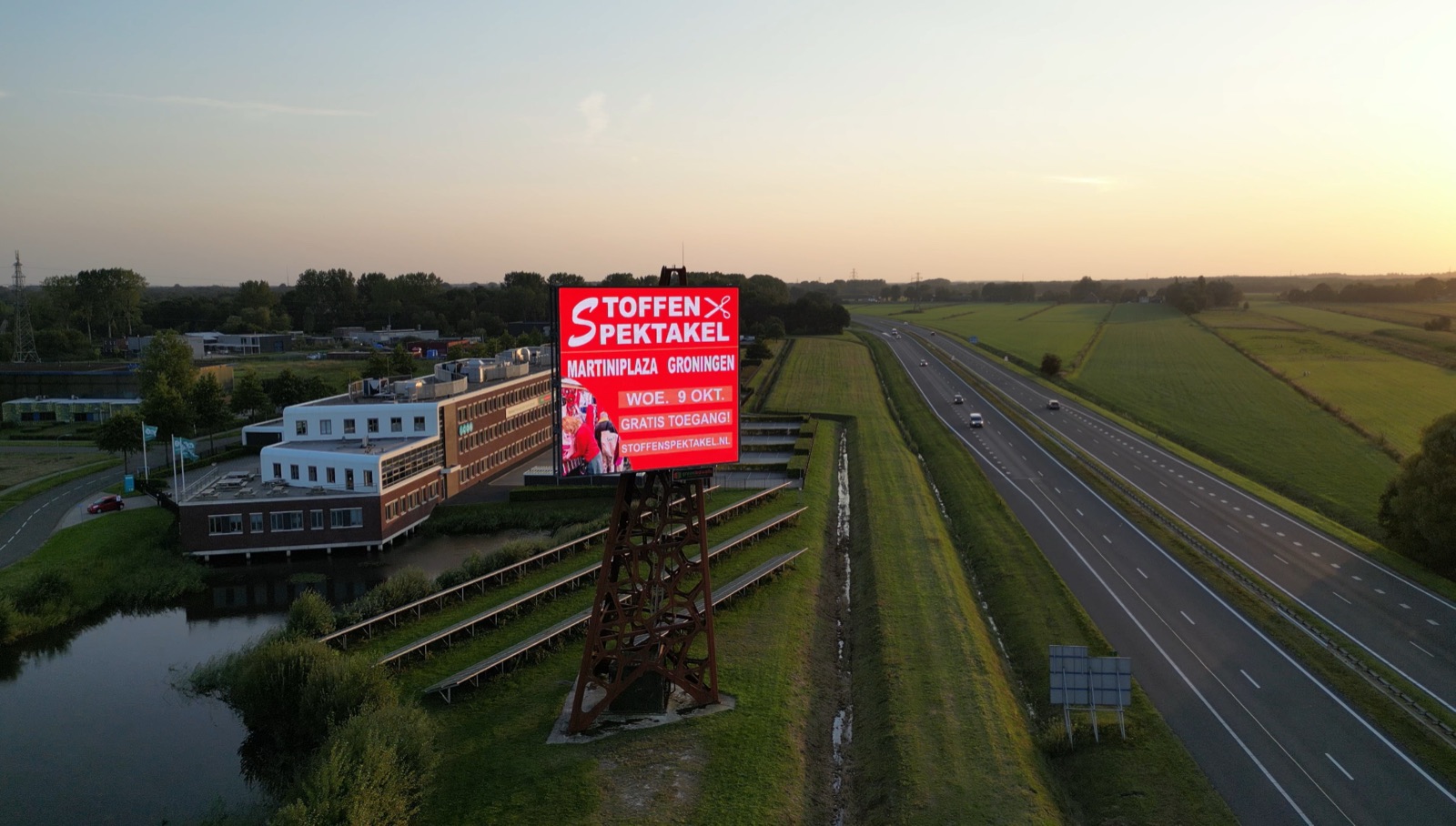
Stoffen Spektakel
Fabric market at MartiniPlaza Groningen on Wednesday 9 October, with free admission.
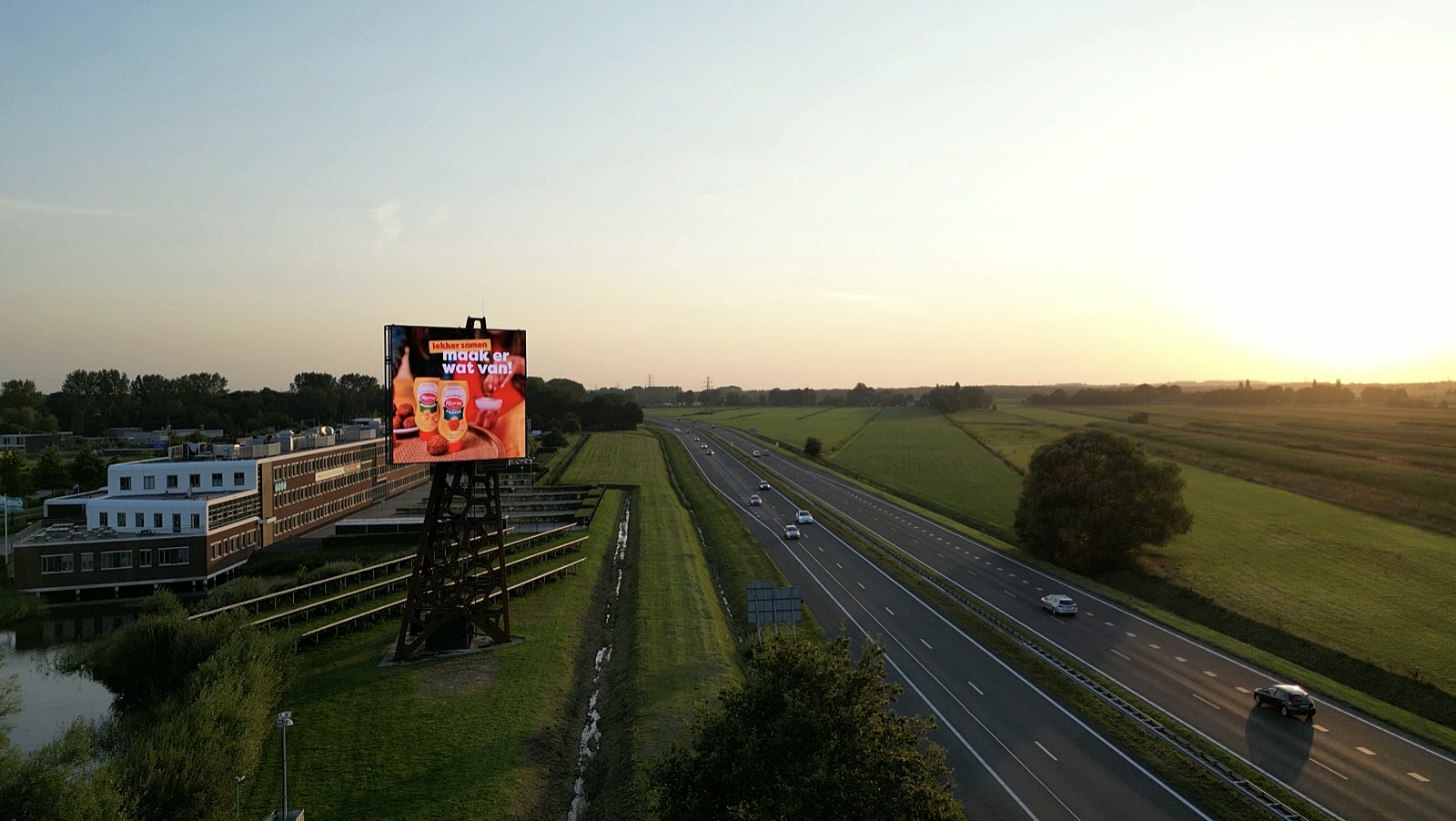
Marne Mosterd
Sauces for drinks with friends: ‘lekker samen, maak er wat van!’
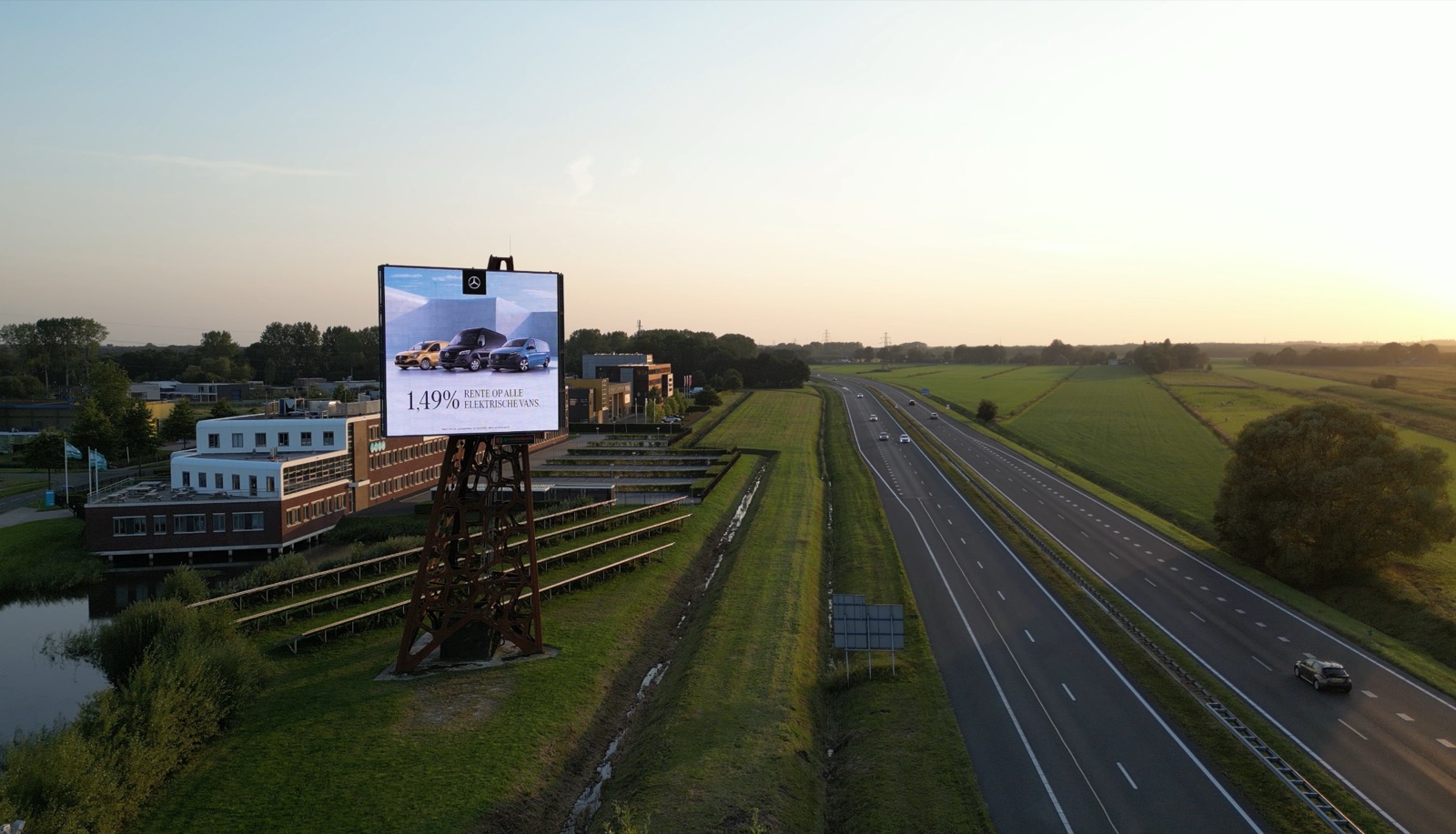
Wensink
Electric vans, with an interest-rate offer on screen.
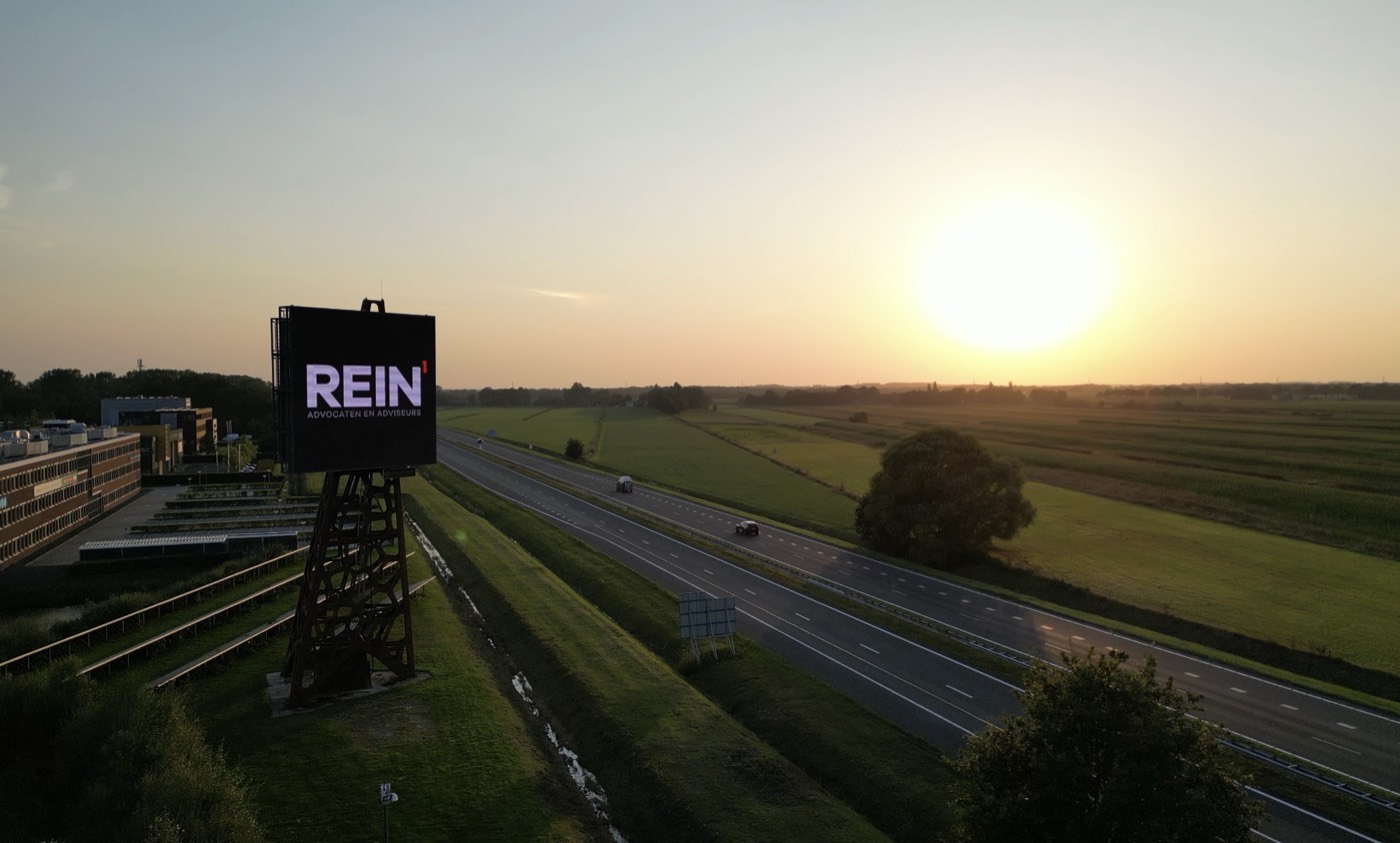
REIN¹ Advocaten en Adviseurs
Name and logo large on screen, with the sun low over the A28.
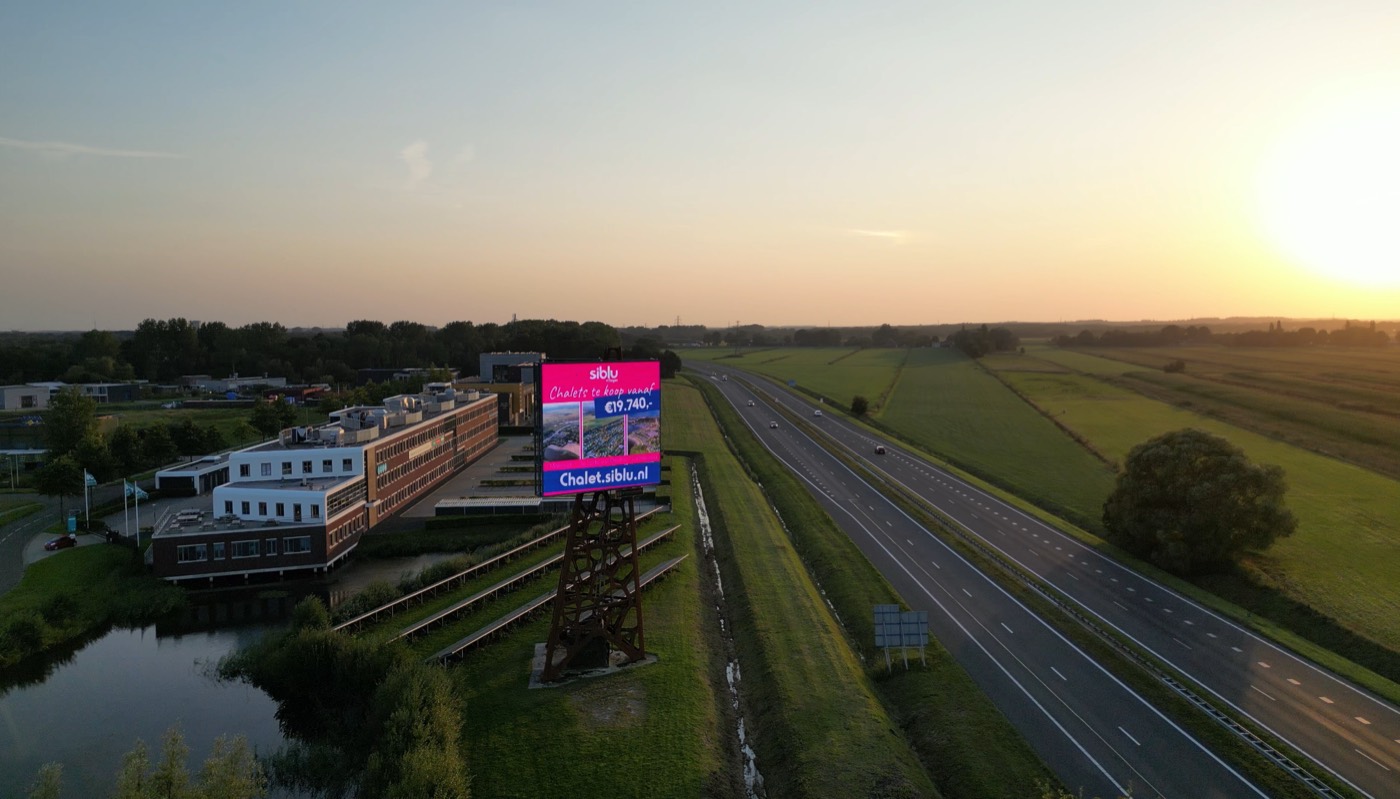
siblu
Chalets for sale, with the website chalet.siblu.nl.
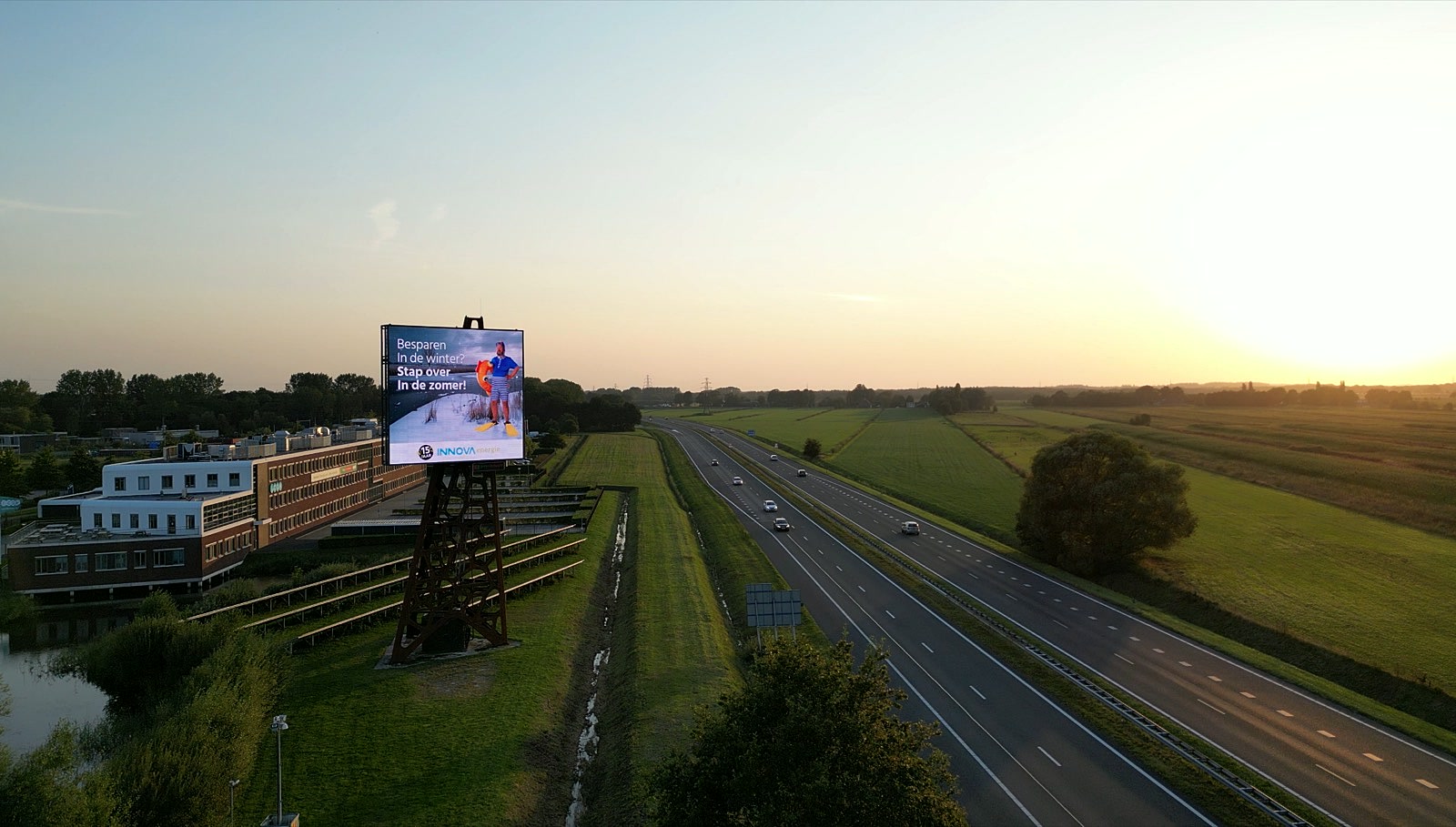
Innova Energie
‘Besparen in de winter? Stap over in de zomer!’
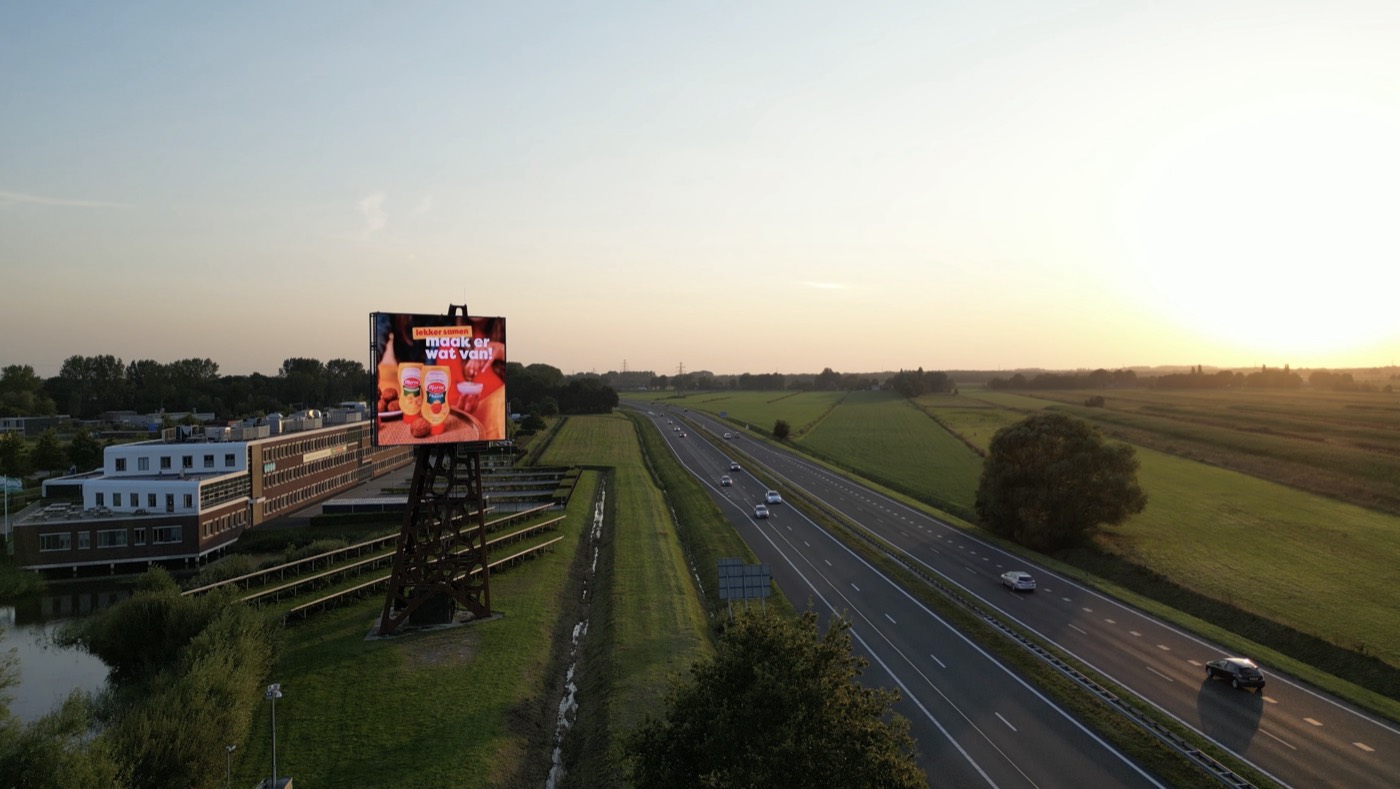
Marne Mosterd
Sauces with bitterballen: ‘lekker samen, maak er wat van!’
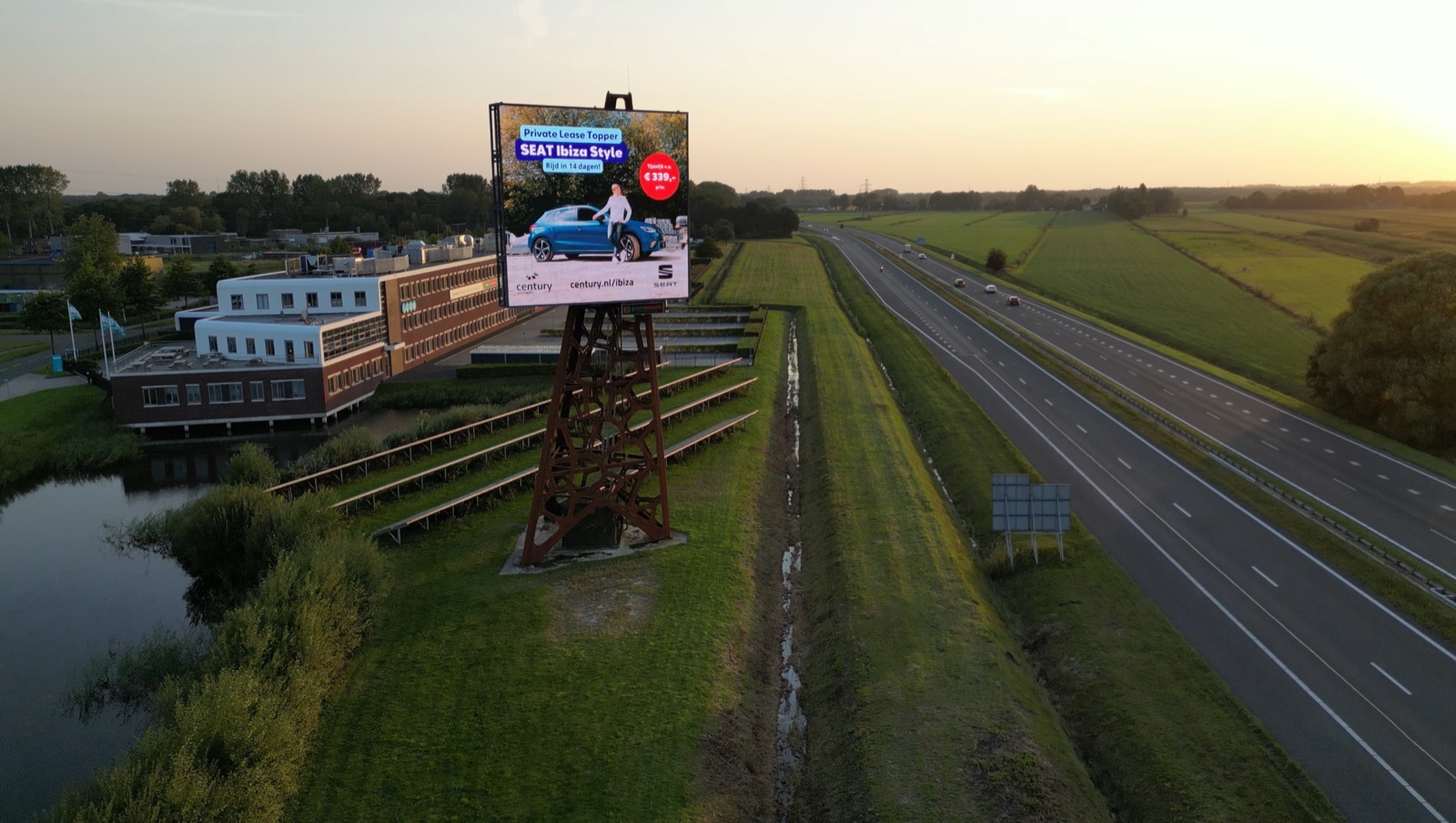
Century
Private lease of the SEAT Ibiza Style.
Inspiration for your business
What’s coming up in your sector? Discover a moment and give it your own twist.
There are no suitable moments for this sector yet. You can still choose a date yourself.
Choose your own momentThe moments couldn’t be loaded just now. You’ll find them all in the event calendar.
About GreenLEDWalls

“In 2019 I started out with one goal: to make smart, affordable and sustainable outdoor advertising accessible to every business owner in the northern Netherlands.” Paolo Assorgia, founder
Practical
A still image; video can’t be shown on the screen. Stick to one short message in a large, easy-to-read typeface: a driver only has a few seconds. You’ll find more tips under Design tips.
Technically accepted: JPG, PNG or WEBP, up to 50 MB and at least 640 × 360 pixels; smaller images turn out too blurry on the screen.
Recommended: submit your artwork at the screen size of 640 × 600 pixels, or in the same aspect ratio. An image that comes close will be cropped to fit. If the aspect ratio is very different, it won’t be uploaded and the portal will ask you to submit the file in the correct format.
You choose whether your advert is on screen for 6 or 12 seconds when you book.
Your artwork is first marked ‘Under review’. A member of our team reviews it before it goes on screen. Your portal will then show ‘Approved’, or ‘Rejected’ with the reason. Approved artwork goes live on the scheduled start date.
In your customer portal. Under ‘My campaigns’ you’ll find your bookings and the status of your artwork; each booking shows the invoice or the invoice status. Log in (the customer portal is in Dutch).
Prefer to talk it through first? Get in touch